
Listing rules: published, refused or reviewed
Every product goes through automatic checks that decide at once: published, refused with the exact fix, or held for our team. Here is every check and how to fix it.
In this article
When you press “Publish the product” or upload an Excel file, the platform checks the product and your offer within seconds. Nobody steps in when everything is right, and nothing is published when something is certainly wrong. The same checks apply to the form and to the Excel file.
Three possible outcomes
| Outcome | What you see | What happens |
|---|---|---|
| Published automatically | “Done! The product met every rule and is published.” | The product and your offer show in the store at once, unless the product needs compliance papers in that country. |
| Refused | “Not published. Fix these and send it again:” with the list of reasons. | No product or offer is saved. Fix every reason and send the product again. |
| For review | “The product is fine, but something needs a check before publishing…” with the reason. | The offer is saved as “Under review”. Our team publishes or blocks it, and its status changes to “Published” or “Blocked”. |
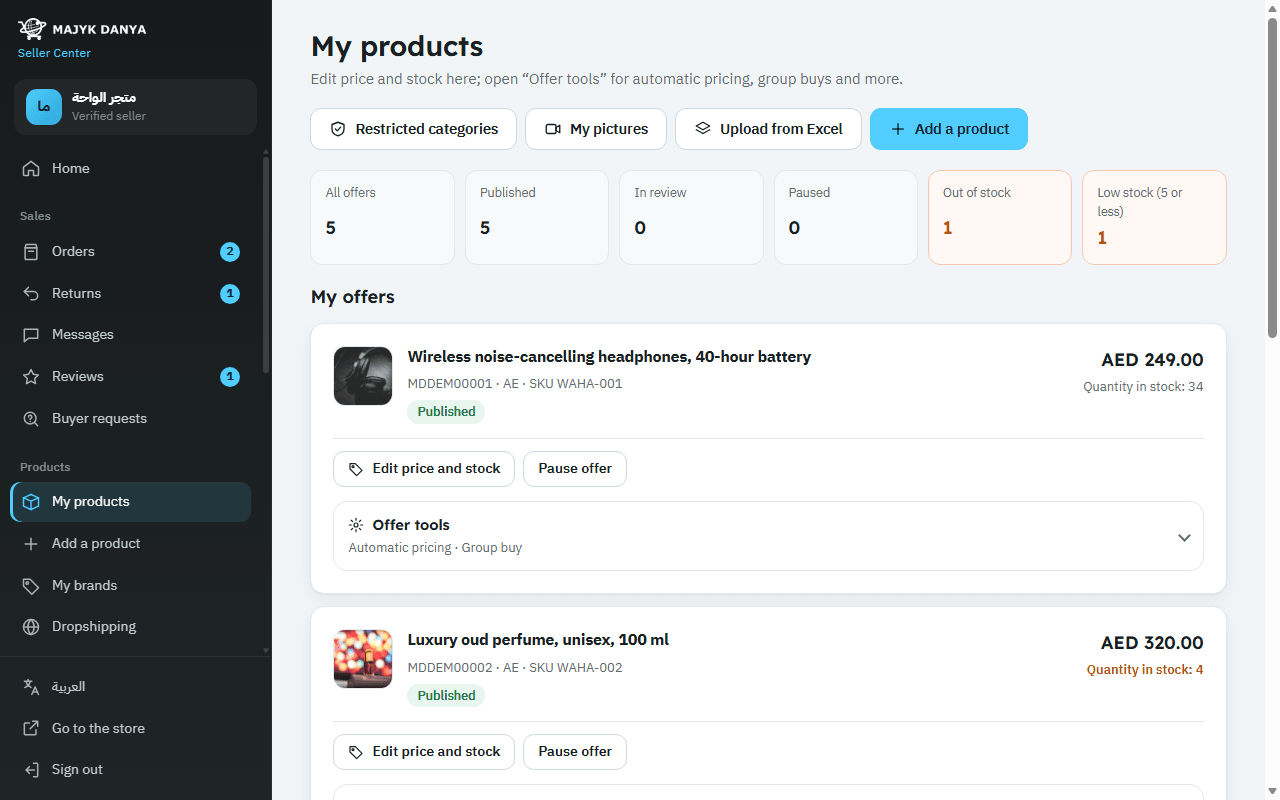
Every decision and its reasons are in “Latest submissions” at the bottom of My products (the last 30), marked “Published automatically”, “Refused” or “For review”. A blocked offer can't be edited.
Checks that refuse a listing, and how to fix them
| Check | Rule | How to fix it |
|---|---|---|
| Barcode | A valid EAN or UPC is required, not an in-store, coupon or variable-weight number. | Copy the digits under the bars on the box, or switch on “We make this product and it has no barcode” if you make it. |
| Brand | 2 to 60 characters, or Generic for an unbranded product. A brand registered to another seller needs their authorization. | Write the brand as on the product, or ask its owner for authorization. See Brand registry. |
| Titles | Arabic and English titles are both required, 10 to 200 characters, with no sales words, emoji or the symbols ! $ ? _ { } ^ ~ < > * #, and no word repeated more than twice. The English title starts with the brand (unless Generic) and isn't all in capitals. | Describe the product only: brand, then type, then key feature. See Write a great listing. |
| Key features | At least 3 in Arabic or English, each 500 characters or fewer. | Write one feature per line. |
| Description | At least 30 characters in one language, up to 5,000 per language, plain text with no HTML. | Remove the code and write plain text. |
| Contact details | Phone numbers, emails, links and web addresses aren't allowed in any text on the product page. | Remove them. All contact with buyers stays on the platform. |
| Counterfeit words | Words such as replica, master copy, «طبق الأصل» or «تقليد» mean refusal: counterfeits are not allowed. | Sell only genuine products. See Intellectual property. |
| Category | Choose the most specific category (the last level of the tree). Prohibited categories are refused; restricted ones need a one-time approval. | Pick a more specific category, or apply in Restricted categories. |
| Shipping facts | Packed weight in grams, the three package dimensions in millimetres (1 to 5,000 each) and the country of origin code. | Measure the parcel ready to ship and enter the numbers. |
| Pictures | At least one main picture, JPEG, PNG or WEBP, up to 10 MB. Main: longest side at least 1000 px, pure white background, product filling 85%. Others: at least 500 px. | See Product image rules. |
| The offer | Choose how you sell; every price at least 1; wholesale minimum 2 or more; wholesale below retail; each tier a bigger quantity at a lower price than the one before; stock a whole number, and for a wholesale-only offer not below the wholesale minimum. | Correct the number named in the reason. |
When a person checks first
These aren't certain mistakes, so the offer is saved as “Under review” and someone on our team checks it:
- A product without a barcode (one you make).
- Health or medical claims, such as cure, heals, FDA approved, «يعالج» or «يشفي».
- A product very like an existing one (same brand and a very similar English title in the same category): we check it isn't the same product.
- A price far from the other sellers' prices for the same product in the same country: below 30% of their median, or more than 3 times it. This protects buyers, and you from a typing mistake.
- A picture that seems to show a phone number, email, link, QR code or social account, or one that couldn't be read automatically: we check it isn't contact details, since many boxes carry a barcode or the maker's website. A new product's pictures are read automatically when you send it, unless it's refused for another reason; then they're read when you send it again.
An offer on an existing product
When you join an existing product, only the category (prohibited or restricted) and your offer are checked, since the product's details already exist. If a registered brand's owner locked its offers, you can sell under it only with their authorization.
Changing the price later
Every change made with “Edit price and stock” goes through the same offer checks. If the price becomes far from the others', it's saved and the offer goes back to review before it's published again, and a message tells you so.
Changing a published product's details
Changing the titles, features, description, package or pictures with “Edit product details” goes through the same checks as a new product, except the barcode, brand and category checks, since an edit doesn't change those (the prohibited or restricted category rule still applies in the countries you sell in). On top of them:
- The text you changed is also checked with the stricter messaging filter: numbers spelled out in words and emails disguised with words like “at” and “dot” are refused, and our team is told about the attempt.
- Naming a messaging app in the new text, such as WhatsApp, Instagram or TikTok, sends the change to review so we can check it isn't an invitation to talk off the platform.
- New pictures are read automatically: if one seems to show a phone number, email, link, QR code or social account, or can't be read, the change goes to review. Pictures already on the page aren't read again.
- Similarity to another product is checked only when you change the English title.
A refused change changes nothing, and while a change is reviewed the current page stays up as it is. The steps are in Add a product, step by step.