
Account health: how your performance is measured
The system alone tracks three problems in your last 30 days of orders: an order not accepted in time, a late shipment and a cancellation by you. Here are the levels, the exact thresholds and how to recover.
In this article
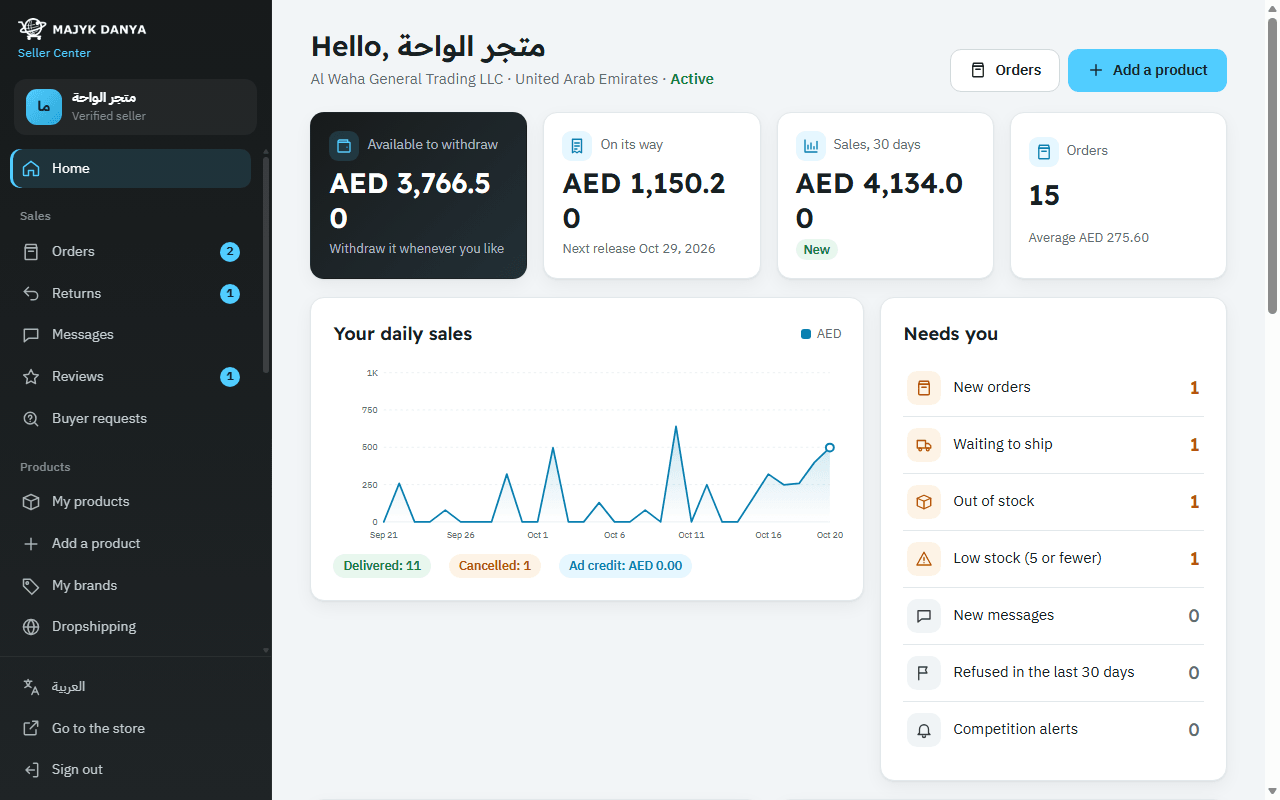
Account health is a simple measure of how well you keep your promises to buyers. The system works it out by itself about every 10 minutes from your last 30 days of orders, and no member of staff steps into your orders. You find it on “Home” under “Your account health (last 30 days)”.
The problems that count against you
| The problem as you see it | When it is recorded |
|---|---|
| “Not accepted in time” | You didn't press “Accept order” within 48 hours of the order arriving, so the system cancelled it. |
| “Shipped late” | The order shipped after its “Ship before” date, or the buyer cancelled it because you passed that date without shipping. |
| “Cancelled by you” | You cancelled the order yourself before shipping it, whatever the reason. |
What doesn't count against you
- An order the buyer cancelled before you accepted it.
- An order whose online payment wasn't completed in time, or a gift its recipient never claimed.
- A parcel the buyer refused at the door under the “Open before paying” program.
- A delay by the Majyk Danya warehouse on an order it fulfils for you.
Levels and thresholds
The system compares your problems with your orders of the last 30 days and places you at one of four levels:
| Level | When | What it means |
|---|---|---|
| “Excellent” | No problems at all. | Normal standing. |
| “Rating lowered” | At least one problem. | In the race for first place your offer is ranked as if it cost 2% more, and your ads' quality score drops. |
| “Warning” | 3 problems or more, or 5% of your orders when that is more (for example 10 problems in 200 orders). | A warning shows at the top of “Home”, your offer is ranked as if it cost 6% more, and your ads' quality drops further. |
| “Account closed” | 6 problems or more, or 10% of your orders when that is more, still true once the warning is 3 full days old. | Your offers are hidden from the store until our team reviews the account and reopens it. |
How to recover
A recorded problem can't be erased, but each one drops out by itself 30 days after its order was placed. As your record improves, the system moves you up on its own and the warning is lifted.
- Open “Orders” at least once a day and accept every new order before its “Accept before” time.
- Ship before the “Ship before” date, and press “Shipped” with the tracking number as soon as the courier has the parcel.
- Keep “Quantity in stock” right on “My products”, so you never have to cancel for lack of stock.
- If you can't prepare orders quickly, raise the handling days on your offers rather than ship late.
- On holiday or when you're too busy, use “Pause offer” instead of leaving orders unanswered.
If your account is closed
The account stays closed until our team reviews and reopens it. Read Account suspension and appeals to see what happens to your offers, orders and balance, and how to write a plan of action.